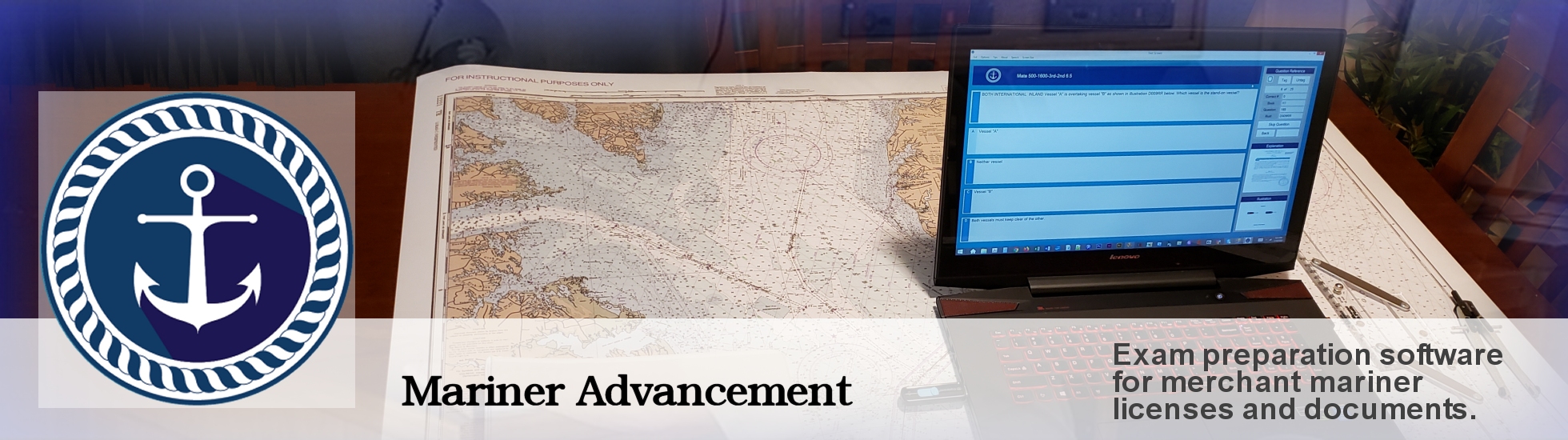
Mariner Advancement® provides exam questions, answers, illustrations, written explanations, training videos, and publications to help you prepare for USCG merchant mariner licensing exams. We update our software often based on question changes, customer input, online study groups, and newly released questions from the USCG.
Software updates are provided as free downloads for one year from your purchase date. The history of updates and current update links are located in the navigation bar at the top of this web page.
All software is distributed on USB flash drives. For more specific information on a given USCG license, please click one of the license links in the navigation bar from the home page. See our User Manual for complete software application instruction.
In the Mariner Advancement application, there are currently five menus, each with a different method of generating a test.
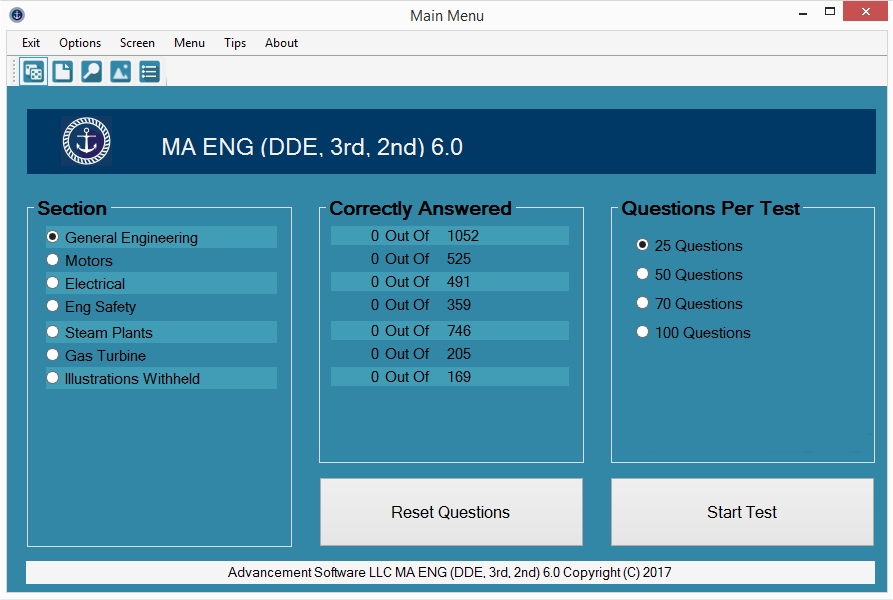
Most tests will be created from the main menu. In this menu, Mariner Advancement® temporarily removes correctly answered questions from the question bank. This feature focuses your study sessions on unlearned material, reducing study time by preventing you from rehashing questions you already know.
This is the only menu that will temporarily remove correctly answered questions. Tests created using all other menus, such as text search, illustration search, tag, and subtopics menu, will ignore this feature and show all questions regardless of correctly answered status. The user can reset the questions that were removed at any time from the main menu.
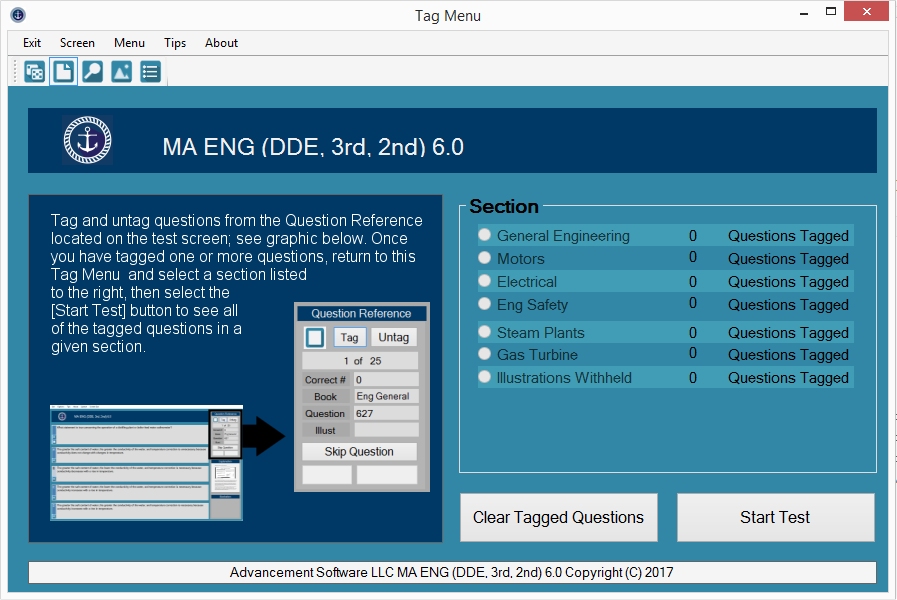
Mariner Advancement® provides an option to tag the current test question from the test window. To access the questions you have tagged, navigate to the tag question menu. The menu will display the number of questions that have been tagged in each section. Choose a section and click the START TEST button. A test will be created made up of all of the questions you have previously tagged in that section.
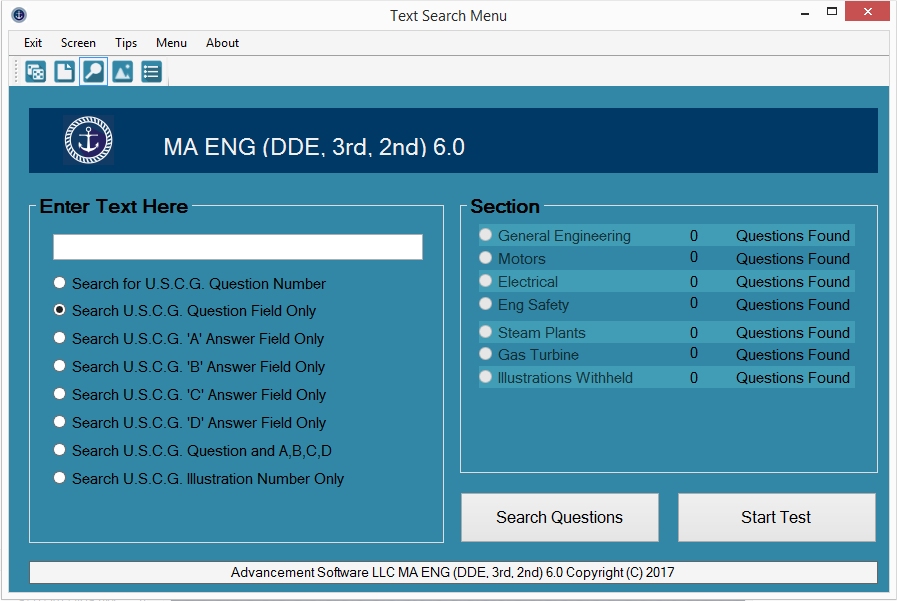
Mariner Advancement® text search allows the user to search the question field of the test questions. Simply type in the text you wish to search in the white text box, and click the SEARCH QUESTIONS button. Mariner Advancement® will search each test section listed for the text you entered. Text search will only return direct matches, but it is not case sensitive.
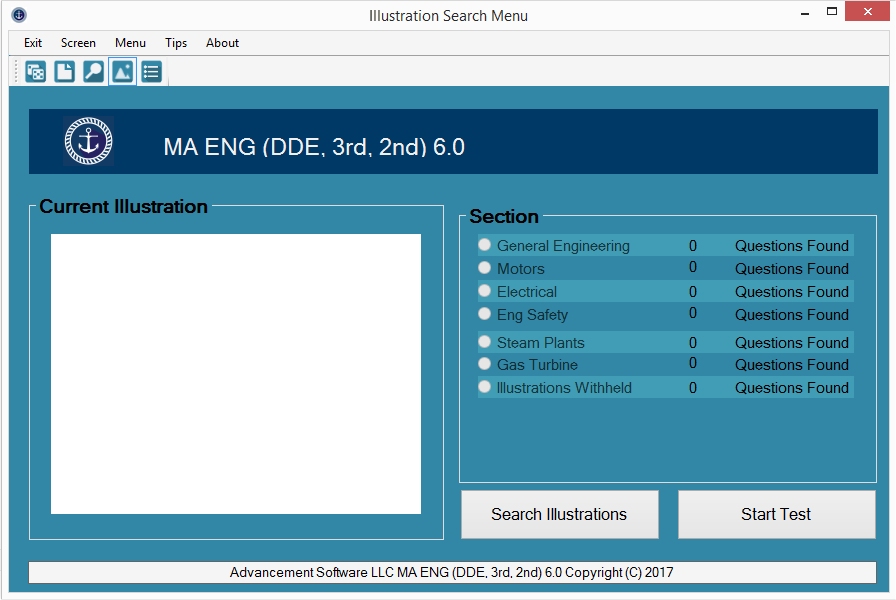
Mariner Advancement® illustration search allows the user to search or browse illustrations. Navigate to the ILLUST folder on your flash drive from this menu and you can now visually search for the illustration without the need of the USCG illustration number. Once you select an illustration, the application will search all sections and return questions referencing the selected illustration.
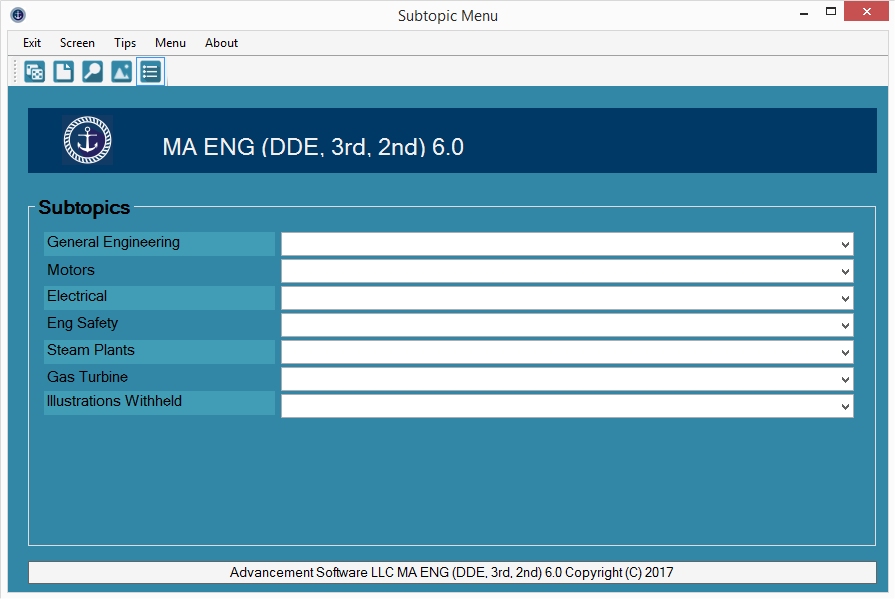
The Mariner Advancement® subtopic menu allows the user to create an exam consisting of only questions related to the subtopic selected. Select one of the dropdown menus and select any subtopic from the list to create a test.
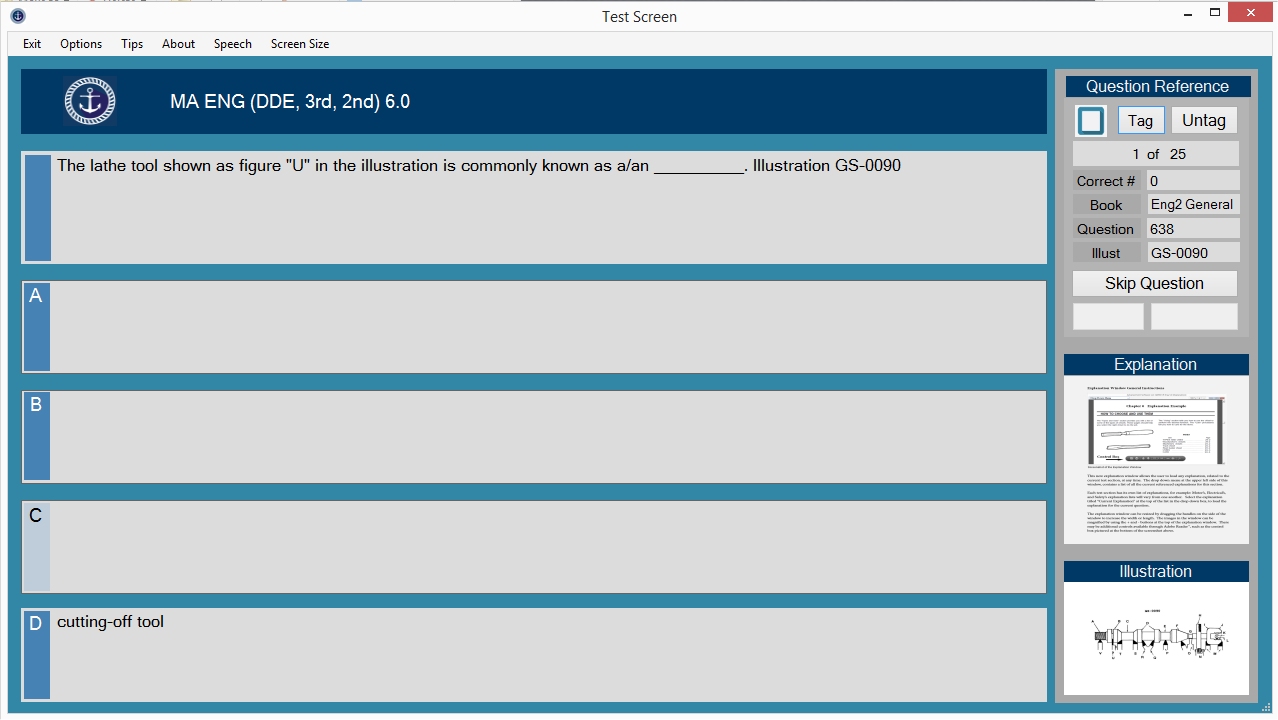
In the Test window, simply click the answer you believe to be correct and the application will highlight the correct answer in green and the incorrect answers in red. Click any white space to continue to the next question. Click any thumbnail to view the illustration or explanation in full screen. The application tracks your correct answers and provides a final score at the end of the test. You may use the back key to revisit previously answered questions. Other options such as showing only the correct answer and a speech synthesizer are also available.
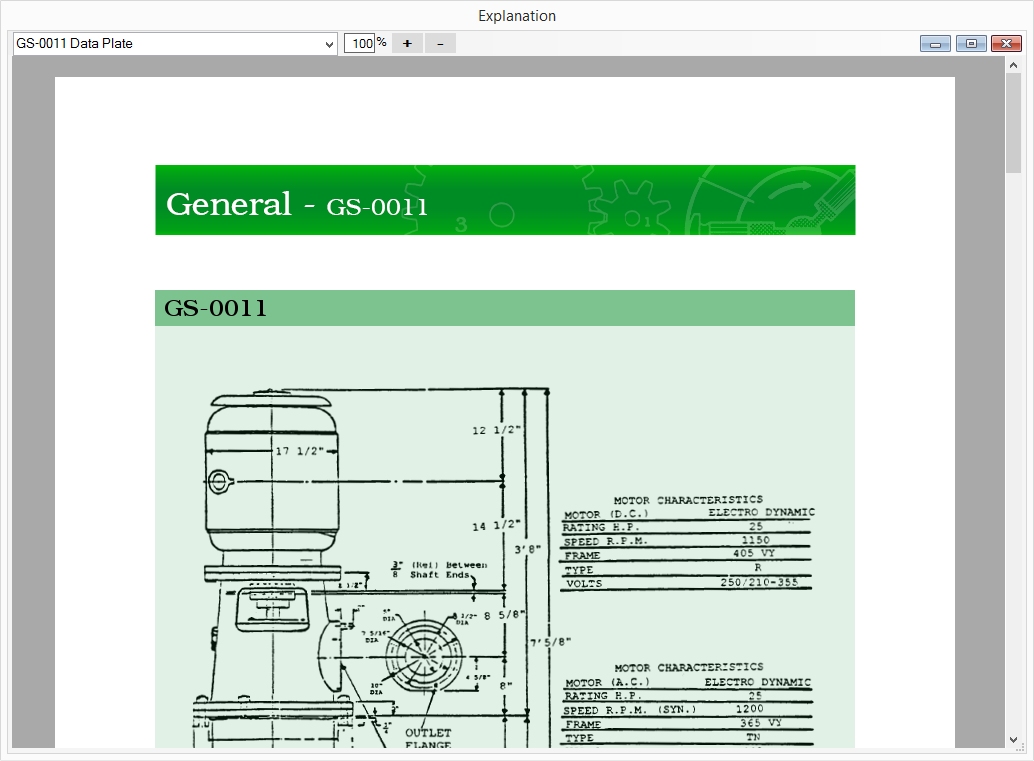
Mariner Advancement® provides explanations for some questions. You can access all available written explanations for the current subject, at any time, by clicking on the explanation drop down menu at the top of the test window or at the top of the explanation window.
Our goal is to create the most accurate representation of the USCG merchant mariner exams. However, because the USCG can change entire question banks without notice, we cannot guarantee 100% accuracy at the time of your exam. When the USCG updates the exams, we work closely with students to collectively rebuild the question bank and provide software updates.
Advancement Software LLC collects sales tax only for purchases made in Florida. Under current law, purchases are not tax-exempt merely because a seller is not required to collect tax. You may be responsible for filing and paying use tax in your own state (including Washington State, which requires this notification). Please check with your local state for specific requirements.